SIW Software
Your one-stop solution for all your computer information needs.
SIW - Software Information Module
For more details please select one item from the following list:
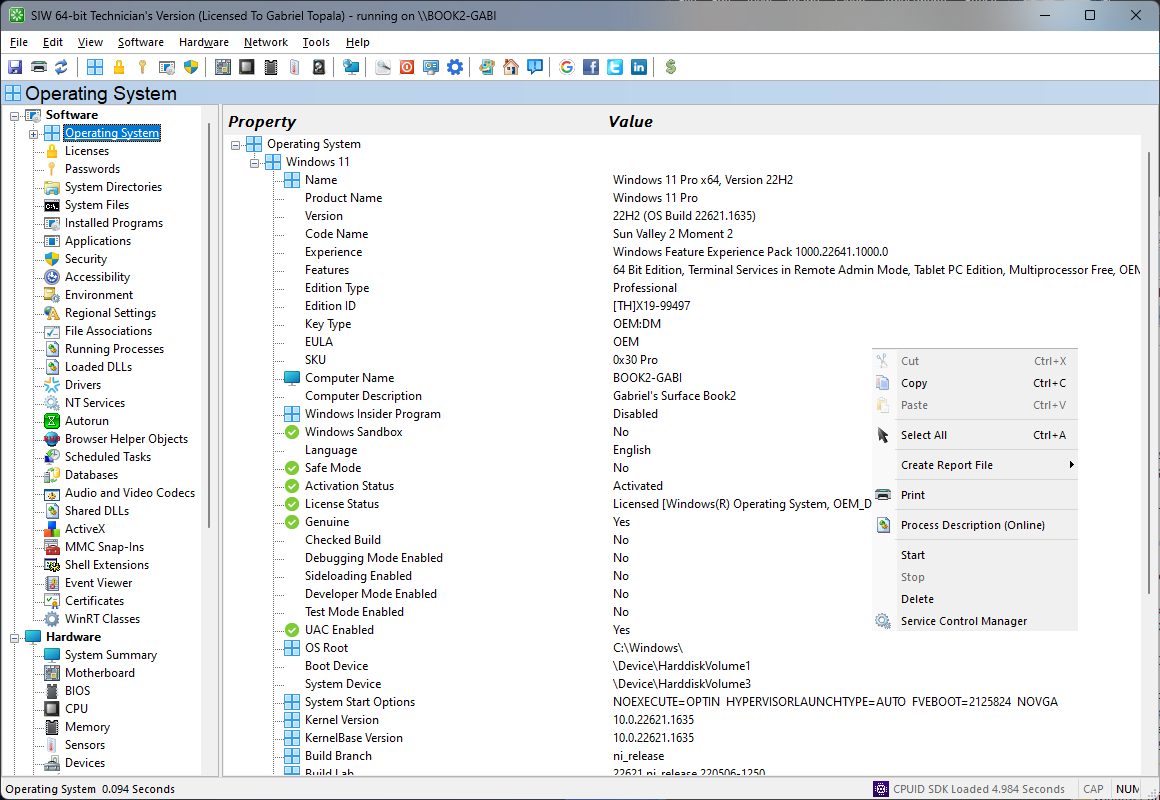
Client Operating Systems:
|
Server Operating Systems:
|
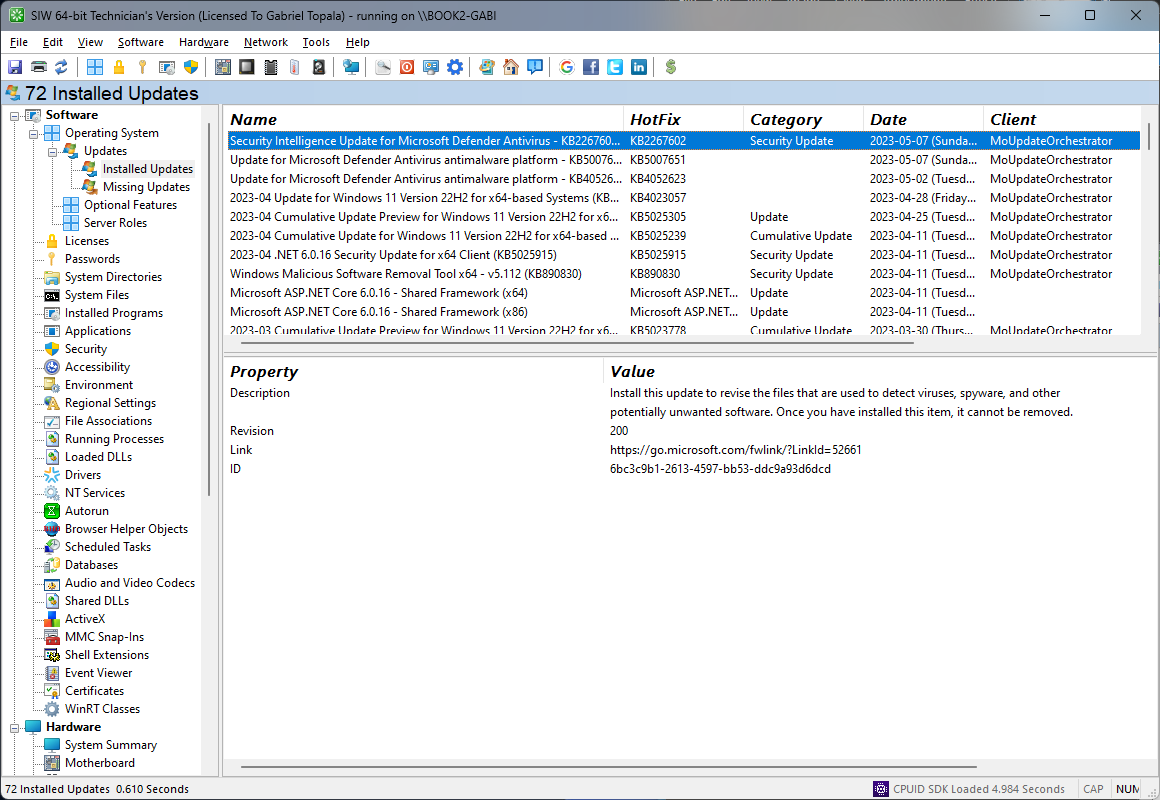
You can retrieve Product Keys for Windows, MS Office and over 150 other software products:
- Microsoft Windows 1,2,3 (Windows 11/Windows 10/Windows 8/Window 7). How to get Microsoft Windows Deafult Product Key.
- Microsoft Windows Server 1,2,3 (2022/2019/2016/2012/2008)
- Microsoft Office 5 (2000 2,4/XP/2003/2007/2010). How to check Microsoft Office 365/2021/2019/2016/2013 product key.
- ACDSee (6/7/8/9)
- Alcohol 52/68/120%
- Adobe Acrobat (6/7/8/9,X,XI)
- Adobe Illustrator
- Adobe Photoshop 7, CS5.x, CS6.x
- Adobe Framemaker 10
- Adobe Premiere CS5.x, CS6.x
- Adobe Robohelp 9
- Adobe Dreamweaver CS5.x, CS6.x
- Adobe Lightroom 3.x/4.x
- AutoCAD
- Cyberlink PowerDVD
- Crystal Reports
- FinePrint
- Macromedia Flash/Fireworks/ColdFusion/Dreamweaver/Contribute/FreeHand
- Microsoft Exchange (2000, 2003, 2007)
- Microsoft Money (2005/2006/2007)
- Microsoft Operations Manager
- Microsoft SQL Server
- Microsoft Virtual PC
- Microsoft Virtual Server 2005
- Microsoft Visual Studio
- Microsoft Works
- Nero
- Norton Partition Magic
- Registy Mechanic
- Roxio Easy Media Creator
- Sonic MyDVD
- TuneUp Utilities
- VmWare
- WinImage
- WinZip
- ZoneAlarm
- XmlSpy 2010, 2011
Notes:
- The Product Key can't be retrieved from the Windows CD! Product keys are not stored on CDs themselves. When you enter your key while installing, it's checked against an algorithm to verify that the key is valid.
- Doesn't work for Digital entitlement, MAK/KMS/Active Directory-based Activation Product Keys, or if SLMGR was used to remove the key from the Windows Registry, or you are running a pirated version of Windows. SIW may show partial keys for MAK/KMS/Active Directory-based Activation/Click-To-Run products. Check Find your Windows product key page.
- For those of you using this to retrieve serial numbers from a DELL, be aware that the key will be incorrect. DELL pre-activates all its versions of Windows with an identical serial and places the license key on the outside of your case. This saves them money because it's much more efficient for these large companies to install Windows once and then clone the drive.
- With Office 2000, SIW retrieves the Product ID. You need to call Microsoft for customer service. You give the customer service agent the product ID and he or she will then give you your Office 2000 Product Key.
- SIW cannot automatically retrieve Office 365/2019/2016/2013 keys. Check How to Find Your Microsoft Office 365, Office 2019, Office 2016, or Office 2013 Product Key page.
How to recover some Product Keys from a non-booting Windows Installation.
First you will need some things:
then:- Boot the dead system from WinPE CD
- Start SIW
- Select Software --> Remote Licenses --> From Hive
- Load the Hive File (C:\windows\system32\config\system) from the dead Windows directory
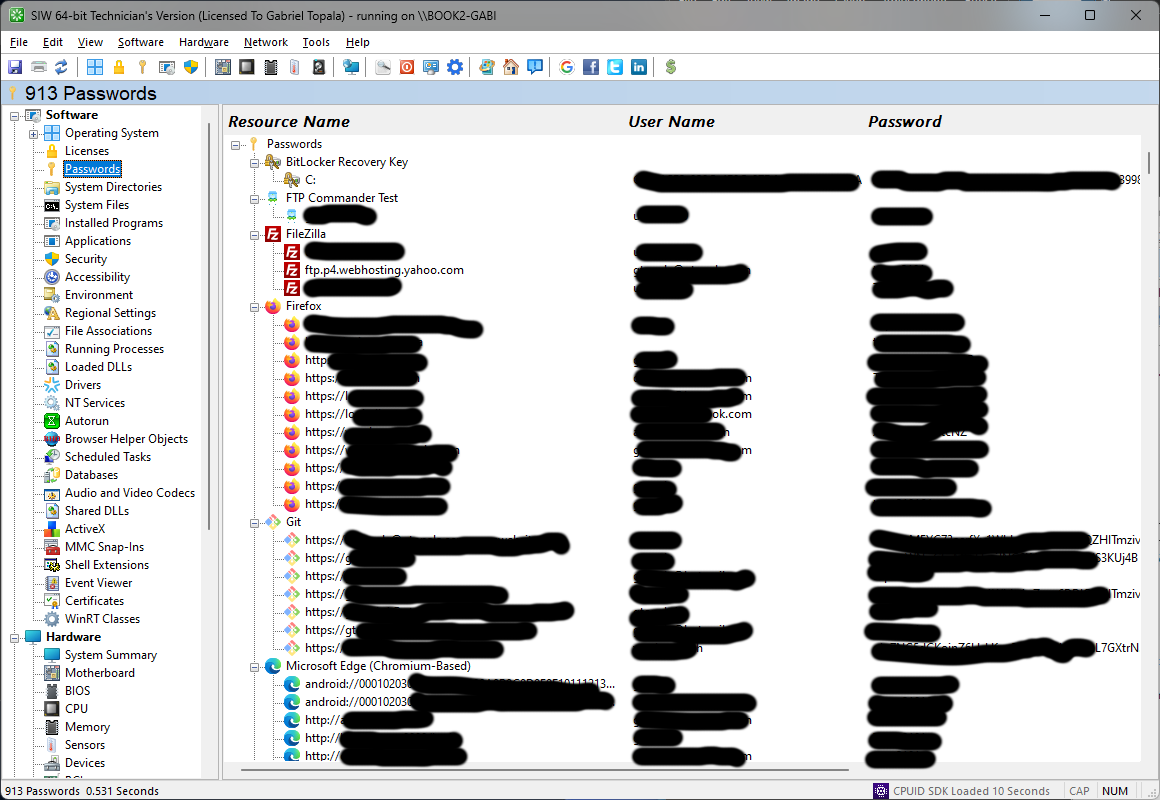
- Browsers: Edge / Internet Explorer, Google Chrome, Mozilla Firefox, PaleMoon, Waterfox, SeaMonkey, Opera, Safari
- Outlook 2000-2019 IMAP/POP3/SMTP 4 passwords.
- Outlook Express
- RAS and dial-up Passwords
- Wireless (WEP/WPA) SSID/Key 6 that have been stored by the Windows Operating System (not 3rd party products)
- WinSCP
- Pidgin
- FTP Commander
- FileZilla
- MSN Messenger, Windows Messenger and Windows Live Messeger
- Yahoo Messenger (Versions 5.x and 6.x)
- Total Commander
- Trillian
- Windows Credentials
Notes:
- Passwords are not printed / saved in reports (Don't ask why!).
- SIW can only be used to recover the passwords for the current user.
- SIW only works if you chose the remember your password in one of the above programs.
- SIW cannot extract Exchange passwords (live.com, hotmail.com, outlook.com, etc.).
- You cannot use this utility for grabbing the passwords of other users.
- Notice for Windows XP and Windows 2003 Server users: If your network has WPA encryption then the recovered password would be in 64 HEX digits BUT you can use these digits to connect to internet same as a password. This is not a bug. Windows XP can't convert WPA back the original password. Windows Vista, Windows 7 and Windows 8 don't have this issue. WEP passwords in Windows XP are recovered without a problem.
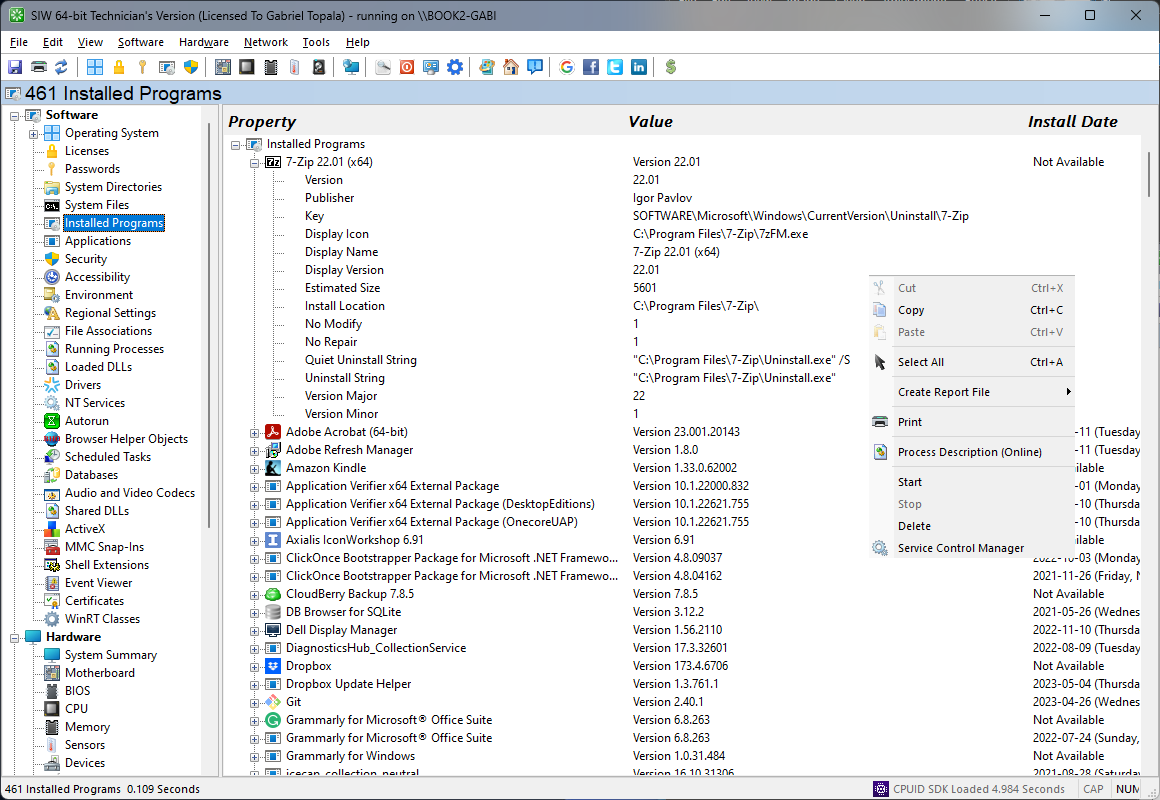
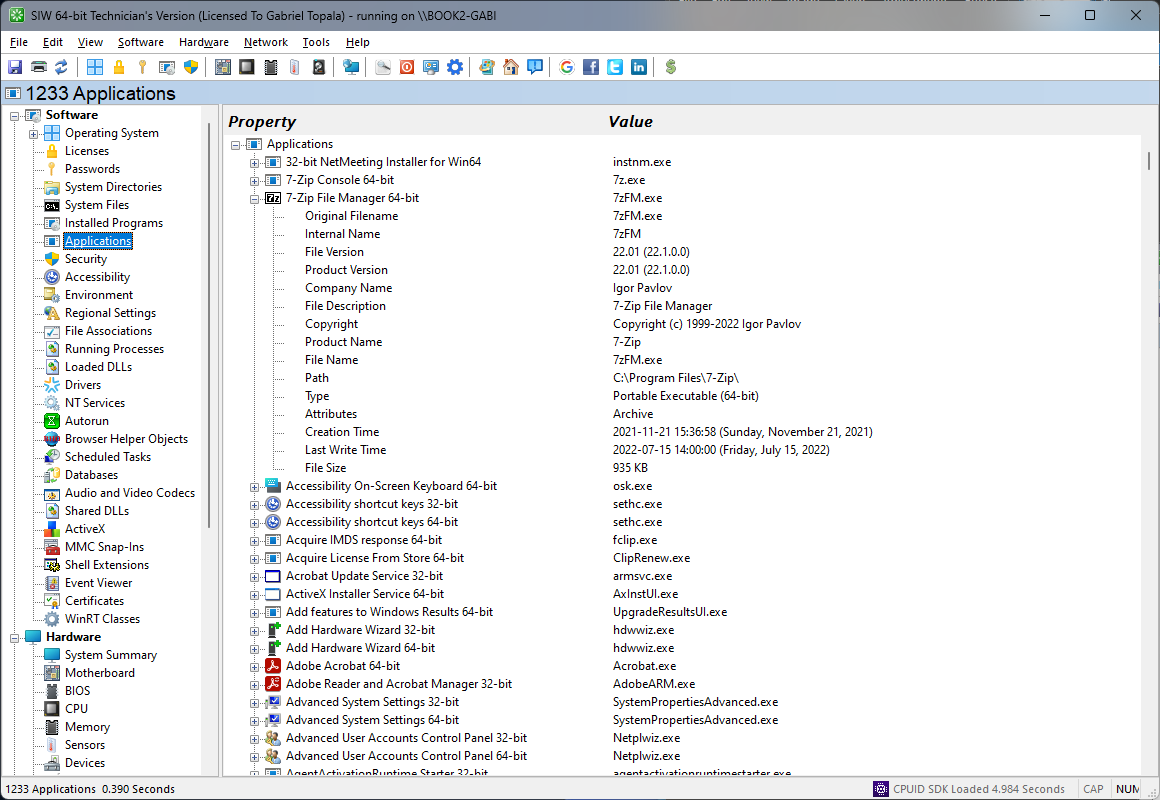
A list with installed programs. The information is gathered from Windows Installer API and Windows Registry.
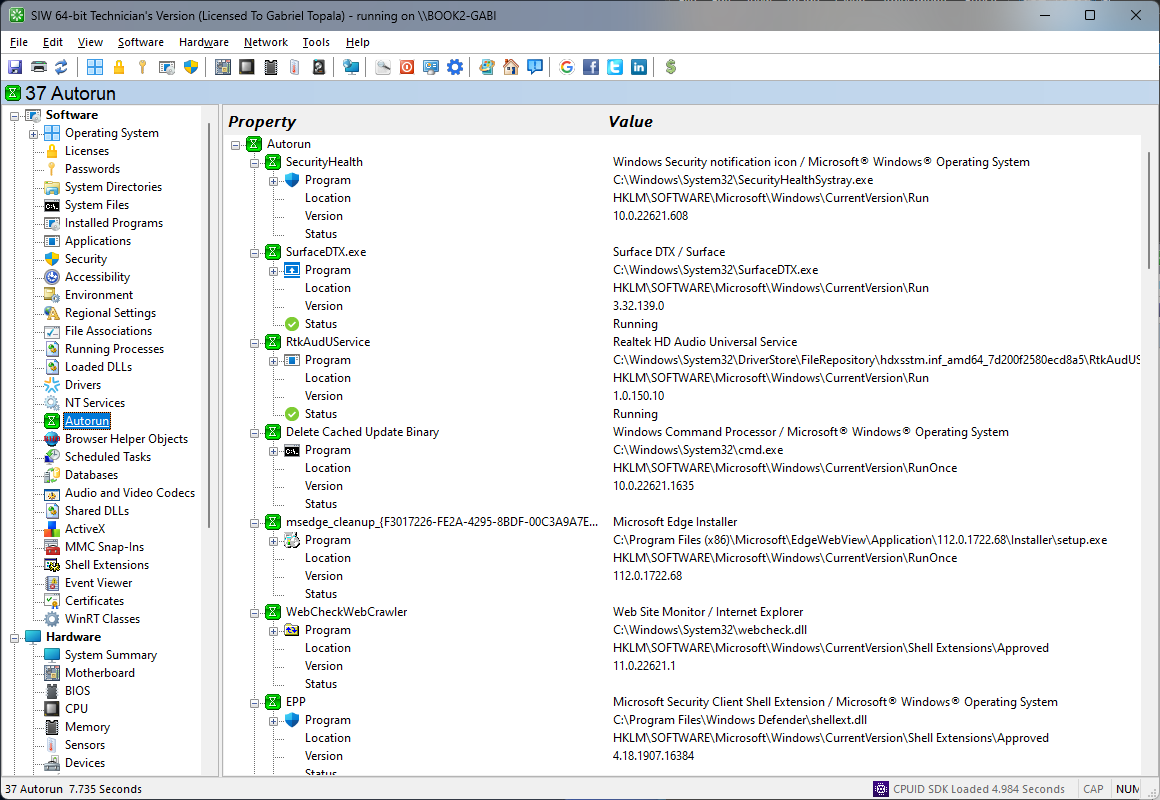
It displays a list of all applications that are automatically loaded when Windows boots.
Additional information is provided for each application to allow you to easily identify what is loaded at Windows startup.
Note: The programs started from 'win.ini' and 'system.ini' aren't displayed.
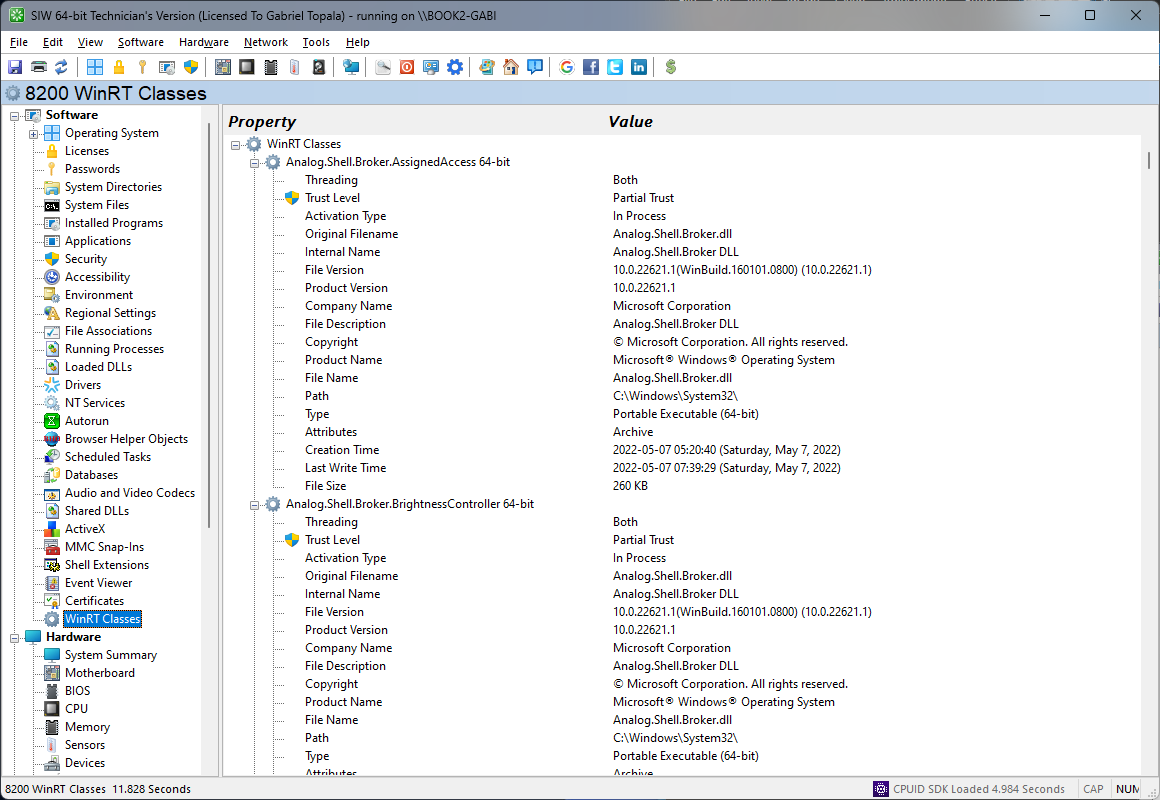
Windows Runtime Classes