SIW Tools
Your one-stop solution for all your computer information needs.
SIW - Tools Module
For more details please select one item from the following list:
Eureka!Top ↑
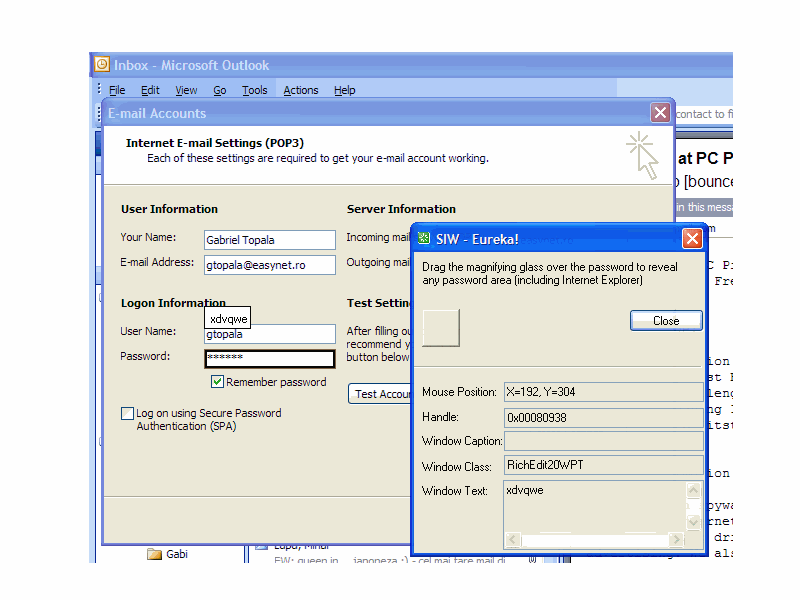
Reveal passwords hidden behind asterisks (bullets)
- Show passwords behind a row of "****" asterisks (bullets).
- Supports common password edit controls and Internet Explorer 6-7 password fields. It may kill Internet Explorer 8-11.
- Show all passwords in an Internet Explorer 6-7 window at the same time.
- It works fine with most Windows applications such as Outlook, WS_FTP, CuteFTP and ICQ.
- Very easy to use.
MAC Address ChangerTop ↑
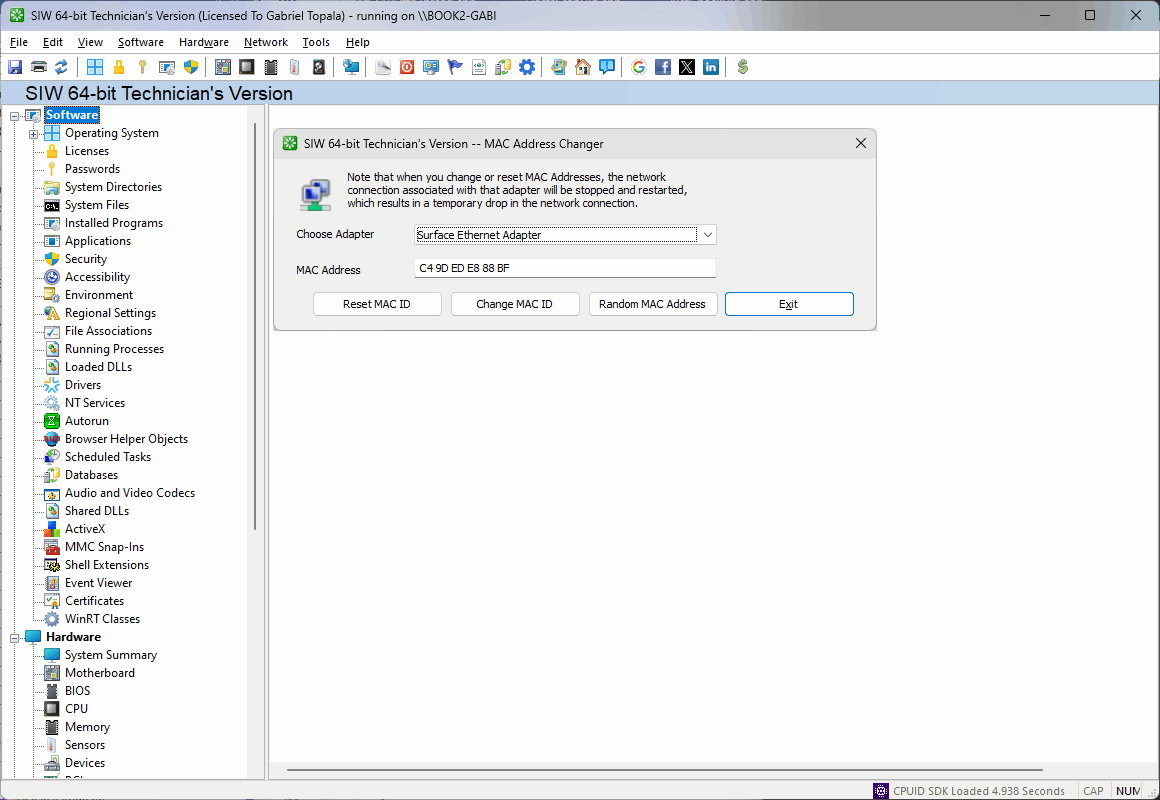
Notes:
- See https://en.wikipedia.org/wiki/MAC_address#Address_details
- There is an option to change the MAC address on some network cards under the Advanced tab in the network adapter's Properties menu.
- On the Intel site there is this disclaimer:
The Media Access Control (MAC) address is hard-coded on Intel® wireless adapters and cannot be changed.
Some third-party software applications can "spoof" a MAC address to a different address, but for security reasons, Intel does not support this practice.
Beginning with 12.x wireless driver package, the possibility of "spoofing" the MAC address was blocked to prevent this practice. - Some adapters/drivers allow you to change only the first octet from the built in value 00 to 02, 06, 0A or 0E.
- It seems that some devices have issue with network adapters not having '00' as first octet of MAC address.
Wake-On-LanTop ↑
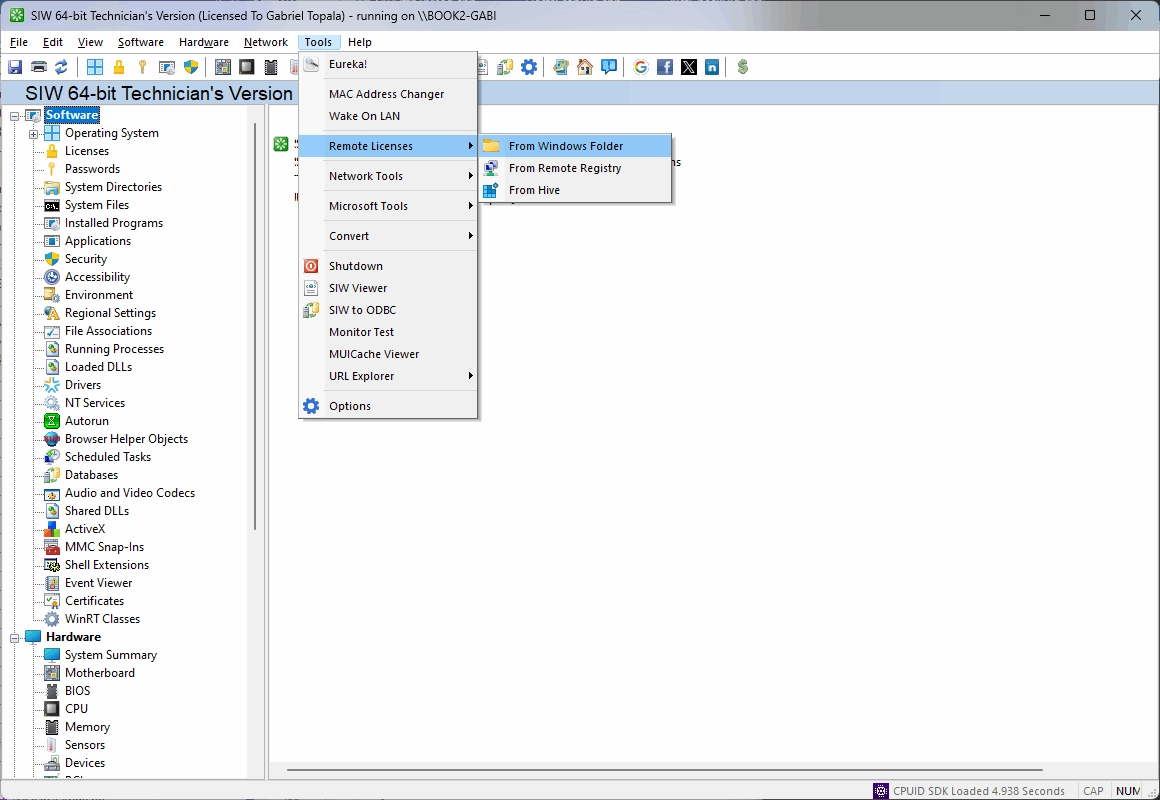
Remote LicensesTop ↑
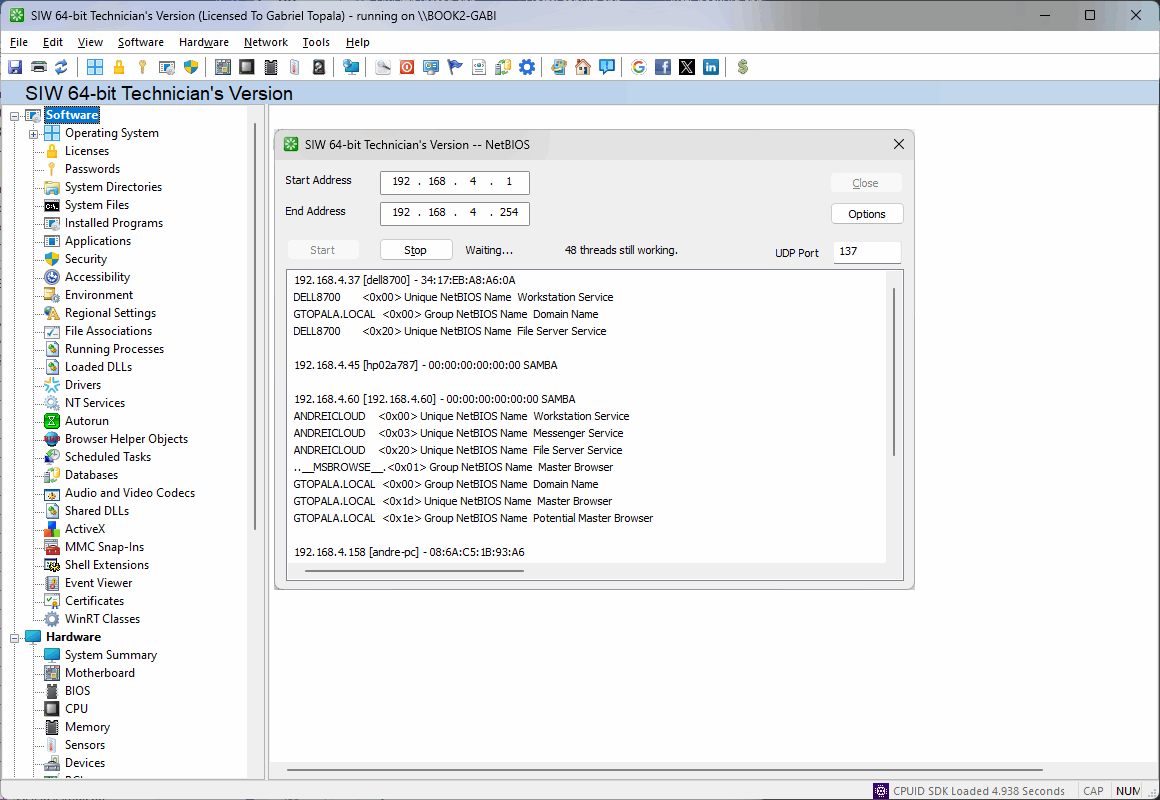
Network Tools: Hosts ScanTop ↑
Multithreading scans for:
- CVS
- DameWare
- DCOM
- FTP
- HTTP
- HTTPS
- IMAP4
- IPP
- LDAP
- NetBIOS
- Oracle
- Symantec pcAnywhere
- Symantec Antivirus Corporate Edition
- POP3
- RDP
- SMTP
- SQL Server
- SSH
- Telnet
- TFTP
- UPnP
- VNC
- XDMCP
- Yahoo! Messenger
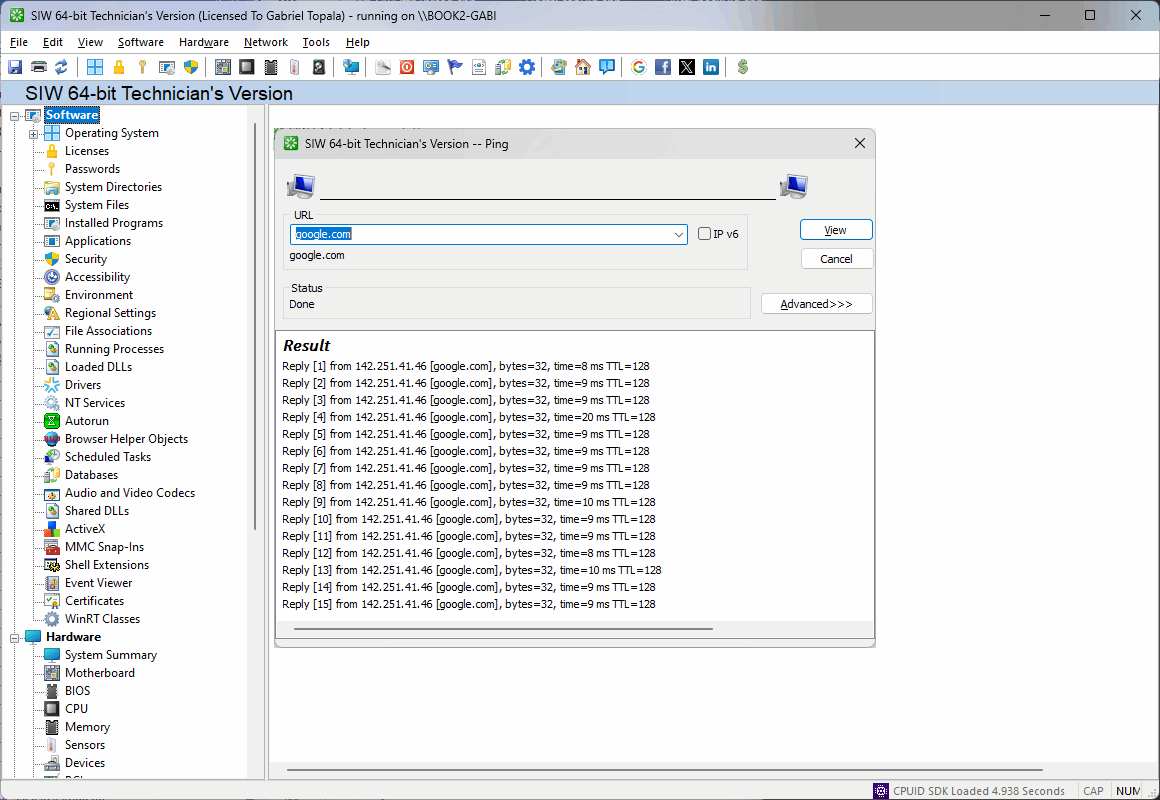
Network Tools: PingTop ↑
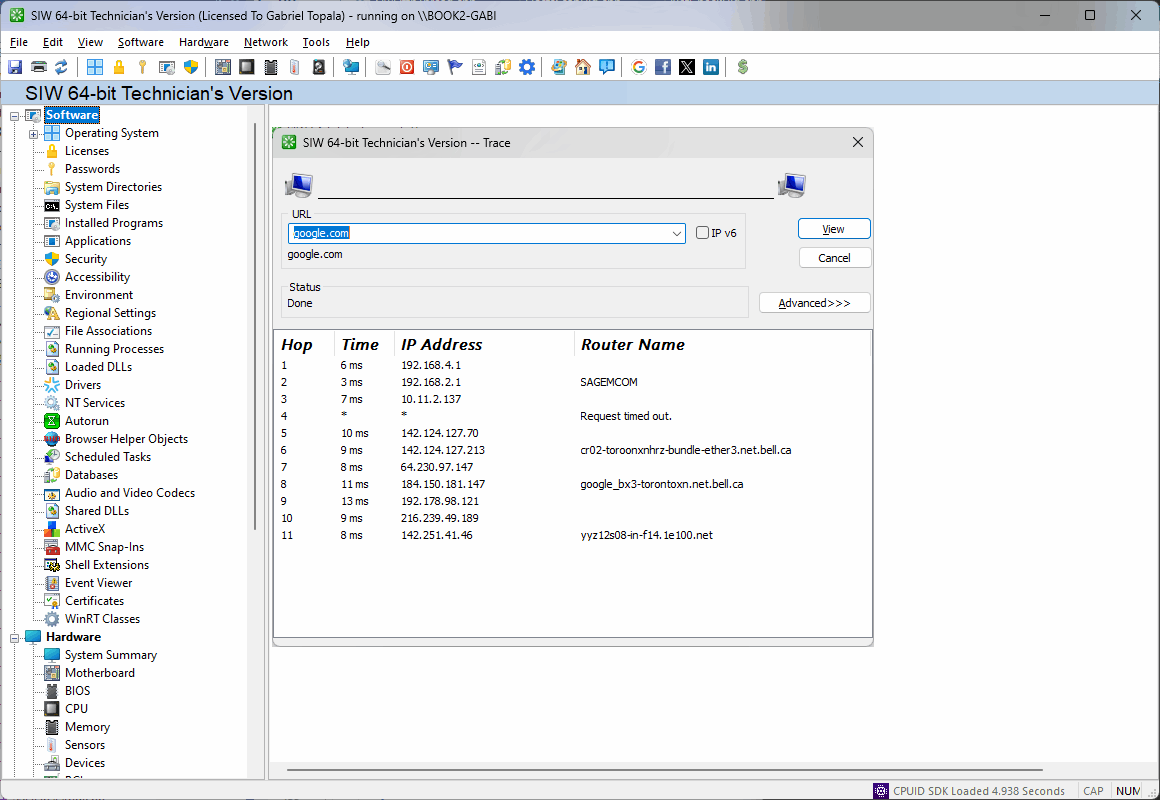
Network Tools: TraceTop ↑
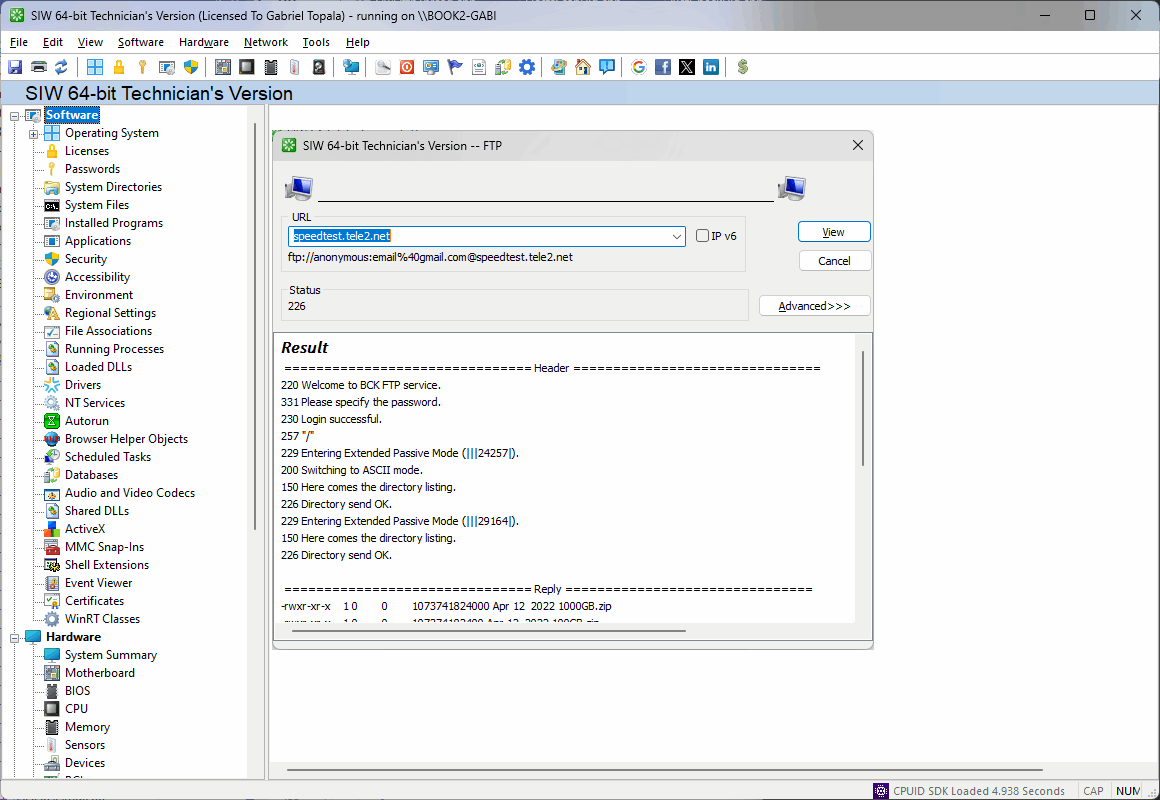
Network Tools: FTP, HTTP, SMTP and WHOIS RequestsTop ↑
Microsoft ToolsTop ↑
- Computer Management Console
- Certificate Manager
- Change Product Key
- Component Services
- Device Manager
- Disk Cleanup
- Disk Manager
- Event Viewer
- Group Policy
- Enable/Disable Hibernation
- Local Users and Groups Manager
- Memory Diagnostic Tool
- Microsoft System Configuration
- Microsoft System Information
- Microsoft Support Diagnostic Tool
- ODBC Administrator
- On Screen Keyboard
- Open GodMode Directory
- Problem Steps Recorder
- Performance Monitor
- Reliability Monitor
- Resource Monitor
- Shared Folders
- Service Control Manager
- System File Checker
- Task Manager
- User Accounts
- User Control
- Verify WMI Repository
- Welcome Center
- WMI Management
- WMI Repair
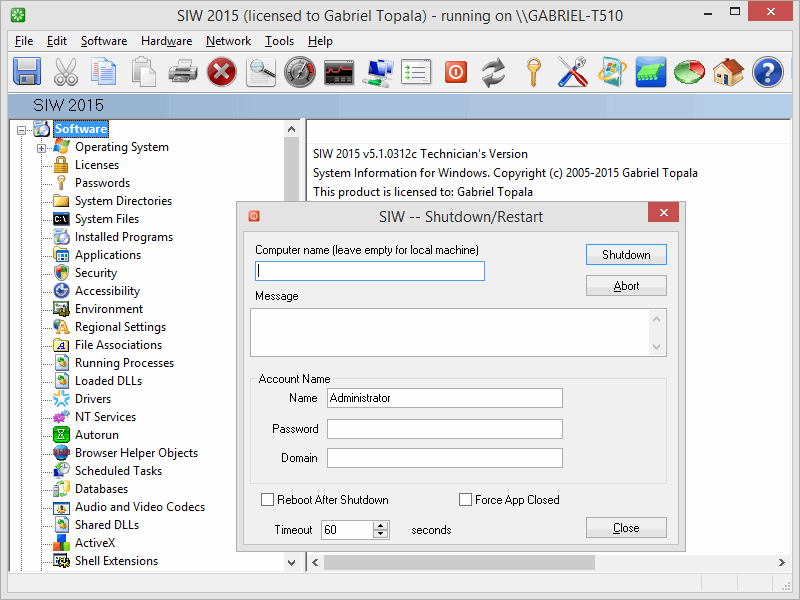
Shutdown / Restart ComputerTop ↑
Monitor TestTop ↑
The Monitor Test allows you to easily check for dead or defective pixels on LCD monitors.
You can use it to test a new LCD monitor before purchasing, or an already purchased monitor during the warranty period (you may get a replacement according to the manufacturer's dead pixel policy).
A defective (dead or stuck) pixel is a pixel that does not illuminate properly or does not display the correct color output. It usually looks like an annoying black, white or colored spot on your screen.
The Monitor Test fills the entire screen with one of the colors that make up a pixel, allowing you to inspect the screen for pixels that do not match the selected color.
The screen color is changed automatically every 4 seconds (automatic mode) or every time when you press the space bar (manual mode).
Other keyboard shortcuts:
You can use it to test a new LCD monitor before purchasing, or an already purchased monitor during the warranty period (you may get a replacement according to the manufacturer's dead pixel policy).
A defective (dead or stuck) pixel is a pixel that does not illuminate properly or does not display the correct color output. It usually looks like an annoying black, white or colored spot on your screen.
The Monitor Test fills the entire screen with one of the colors that make up a pixel, allowing you to inspect the screen for pixels that do not match the selected color.
The screen color is changed automatically every 4 seconds (automatic mode) or every time when you press the space bar (manual mode).
Other keyboard shortcuts:
- a - automatic mode
- r - red screen
- g - green screen
- b - blue screen
- w - white screen
- k - black screen
- 1 to 9 - change speed (default 4)
- Esc - end test
MUI Cache ViewerTop ↑
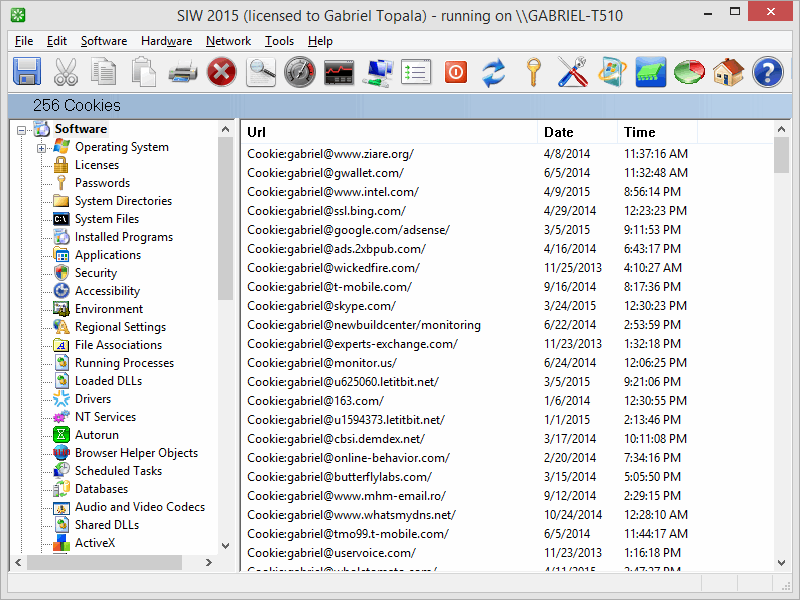
URL Explorer: CookiesTop ↑
URL Explorer: HistoryTop ↑
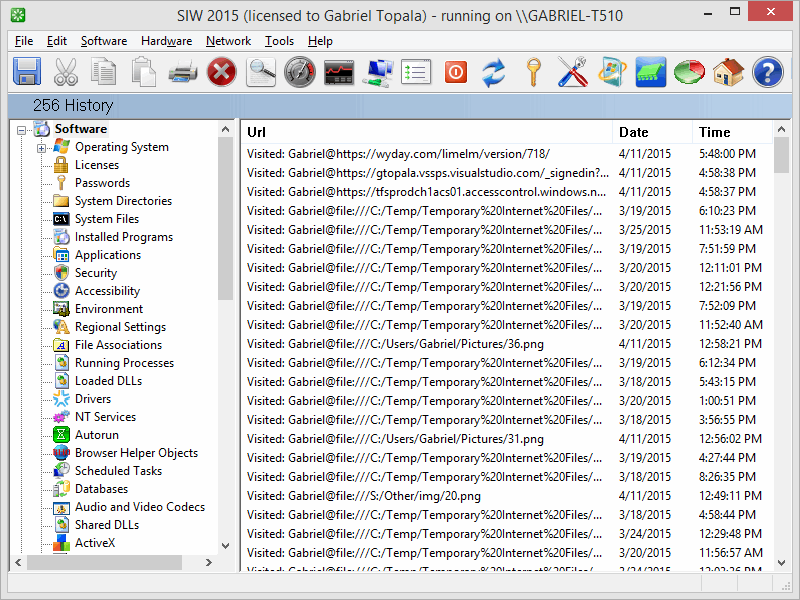
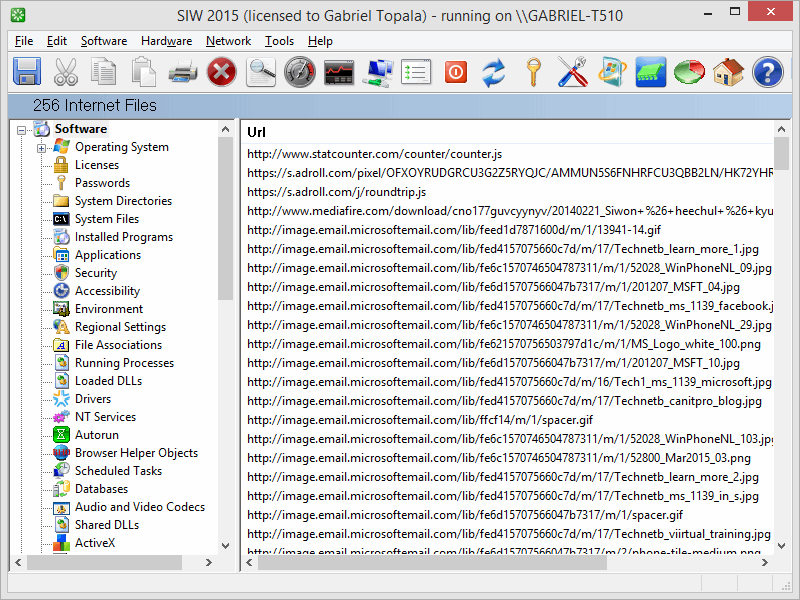
URL Explorer: Internet FilesTop ↑
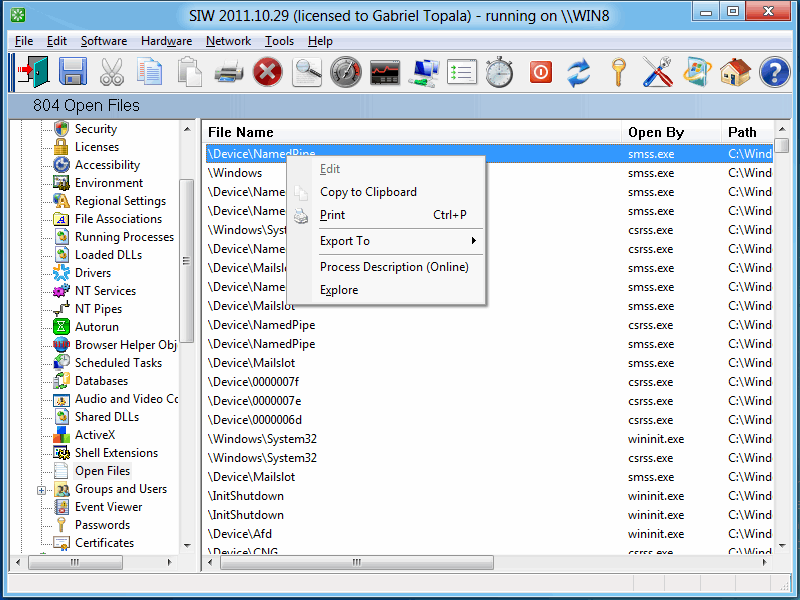
Open FilesTop ↑
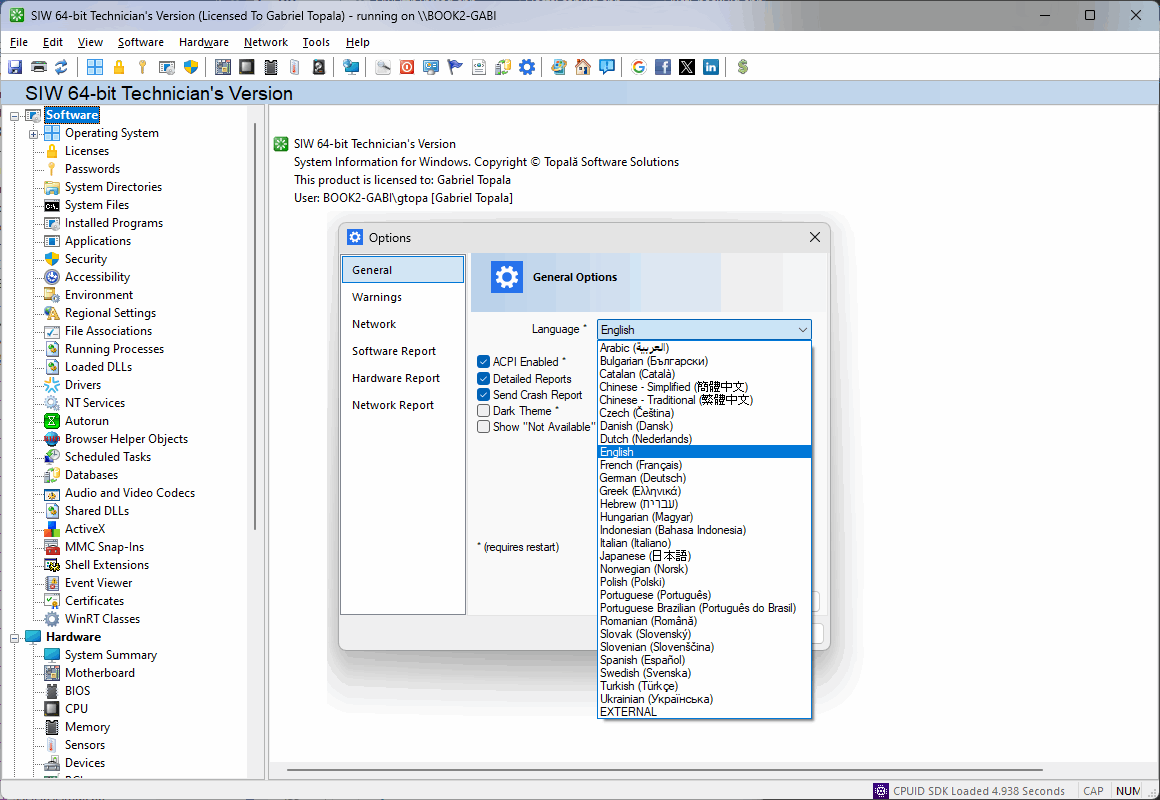
OptionsTop ↑
SIW To ODBCTop ↑
SIW To ODBC is used to import XML Reports created by SIW into a database using ODBC.
Author: Andrei Topala
SIW ViewerTop ↑
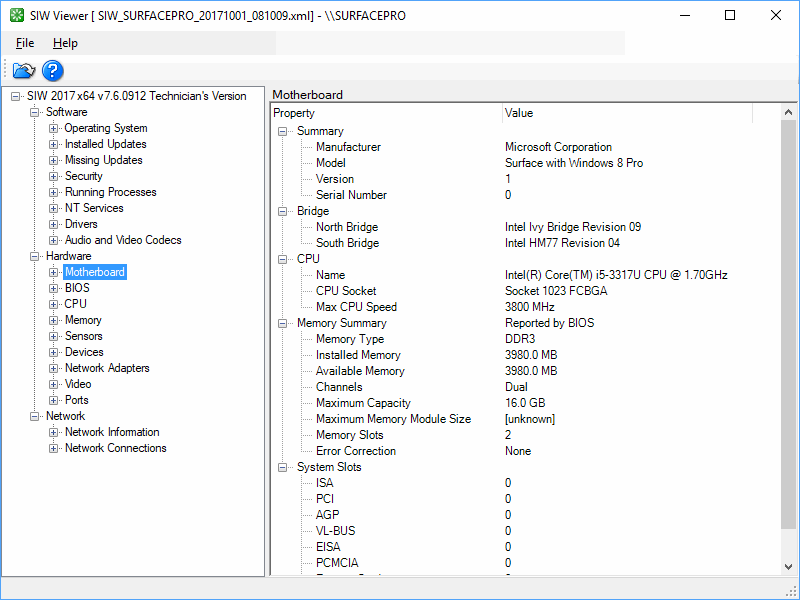
SIW Viewer is used to show XML Reports created by SIW.
Author: Andrei Topala
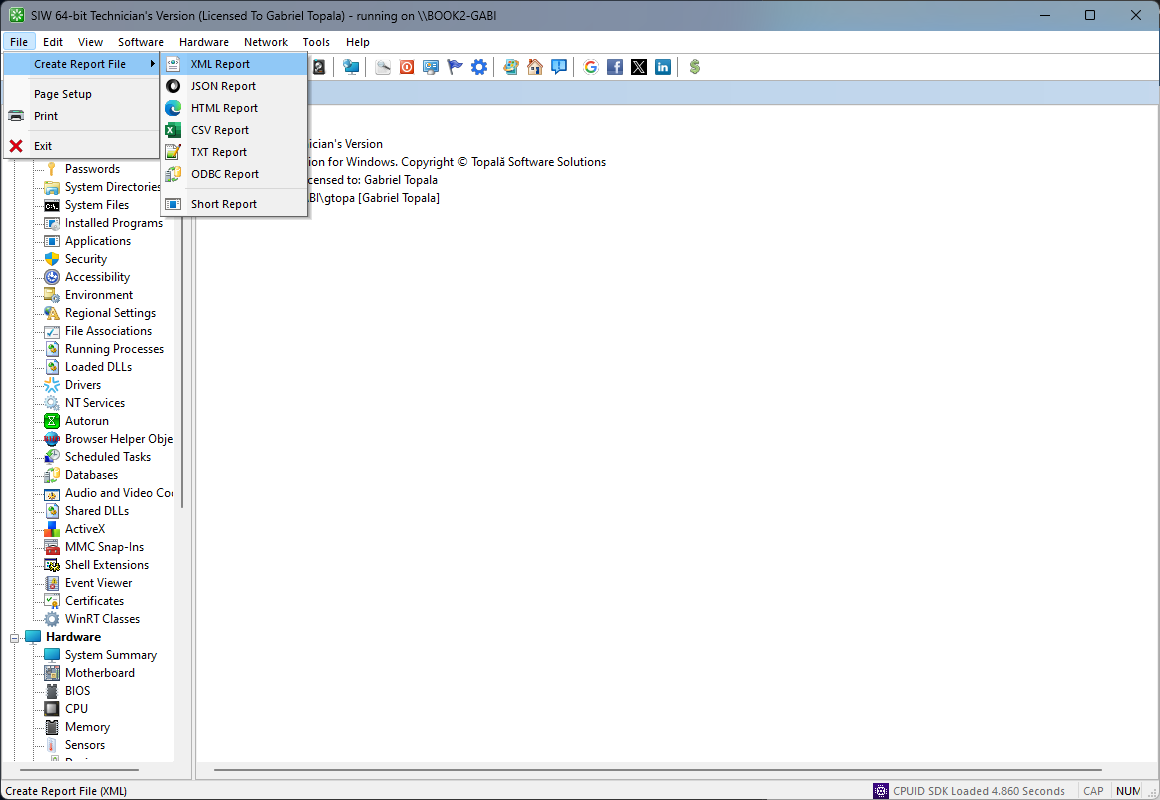
How to create an XML Report using SIWTop ↑